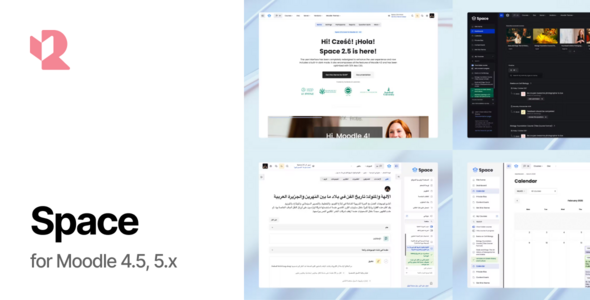
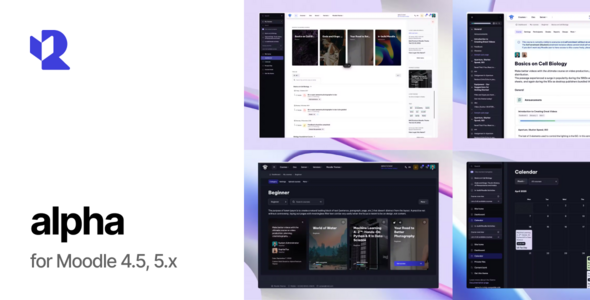
In the ever-evolving world of e-learning, Moodle remains a cornerstone for educators and institutions looking to deliver robust online courses. However, the default Moodle interface can feel dated or overly utilitarian. Enter New Learning – Premium Moodle Theme, a CMS template designed by marbol2 and available on ThemeForest. This theme promises to transform your Moodle site into a modern, user-friendly, and responsive platform. But does it live up to the hype? In this review, we’ll explore its features, usability, design, and overall value.
Key Features
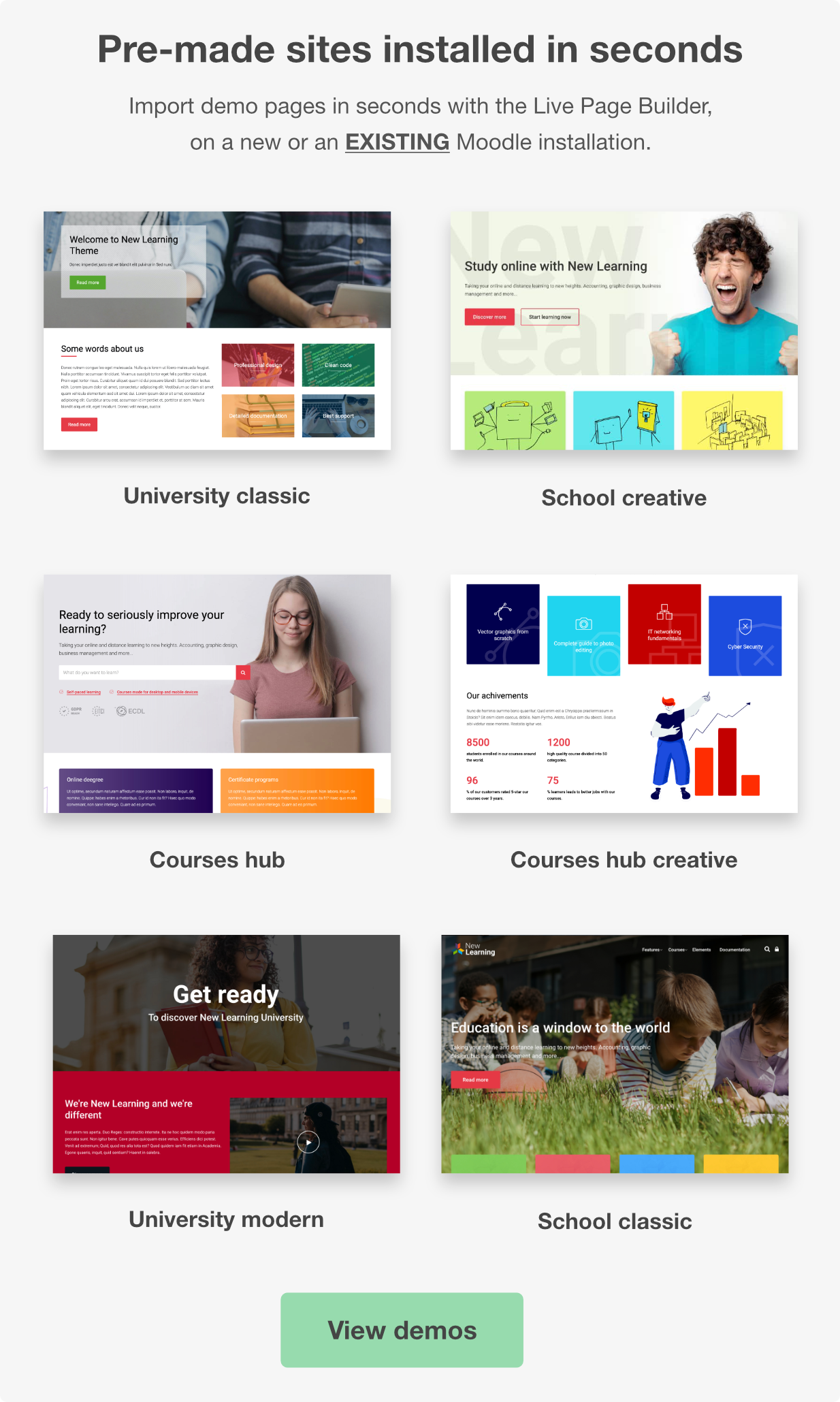
- Drag-and-Drop Front Page Builder: A standout feature, this is touted as the first drag-and-drop builder for Moodle, allowing users to easily import, edit, and create site elements without coding expertise.
- Course Dashboard: Offers students a clear view of course details and progress, while teachers benefit from streamlined navigation and classroom management tools.
- 100% Responsive Design: Adapts seamlessly to all devices-laptops, tablets, and smartphones-ensuring accessibility for all users.
- Courses A-Z Index: Simplifies course discovery with an organized, alphabetical listing.
- Compatibility: Supports a wide range of Moodle versions (originally listed as 2.7 to 3.8, with updates extending to newer versions like 4.4+ based on similar themes’ trends).
- Regular Updates: Free lifetime updates keep the theme aligned with Moodle’s latest releases and security standards.
Design and Usability
The New Learning theme boasts a clean, modern aesthetic that breathes new life into Moodle’s often bland default look. Its design prioritizes simplicity and functionality, making it suitable for various educational contexts-schools, universities, or professional training platforms. The drag-and-drop builder is a game-changer, empowering non-technical users to customize their front page with ease. This feature alone sets it apart from many competitors, reducing reliance on developers for basic layout changes.
The course dashboard is another highlight, offering an intuitive interface that enhances the learning experience. Students can track their progress at a glance, while instructors can manage content efficiently. The responsive design ensures that this functionality translates well across devices, a critical factor in today’s mobile-first world.
Pros:
- User-friendly drag-and-drop builder simplifies customization.
- Modern, responsive design enhances accessibility.
- Course dashboard improves student and teacher experiences.
- Lifetime updates included, adding long-term value.
Conclusion
New Learning – Premium Moodle Theme delivers on its promise of a modern, user-centric Moodle experience. Its drag-and-drop builder, responsive design, and course dashboard make it a worthy investment for educators seeking to enhance their online learning platform. While it may lack some advanced features found in pricier alternatives, its affordability and ongoing updates ensure it remains relevant. If you’re looking to refresh your Moodle site with minimal fuss and maximum impact, New Learning is a compelling option.